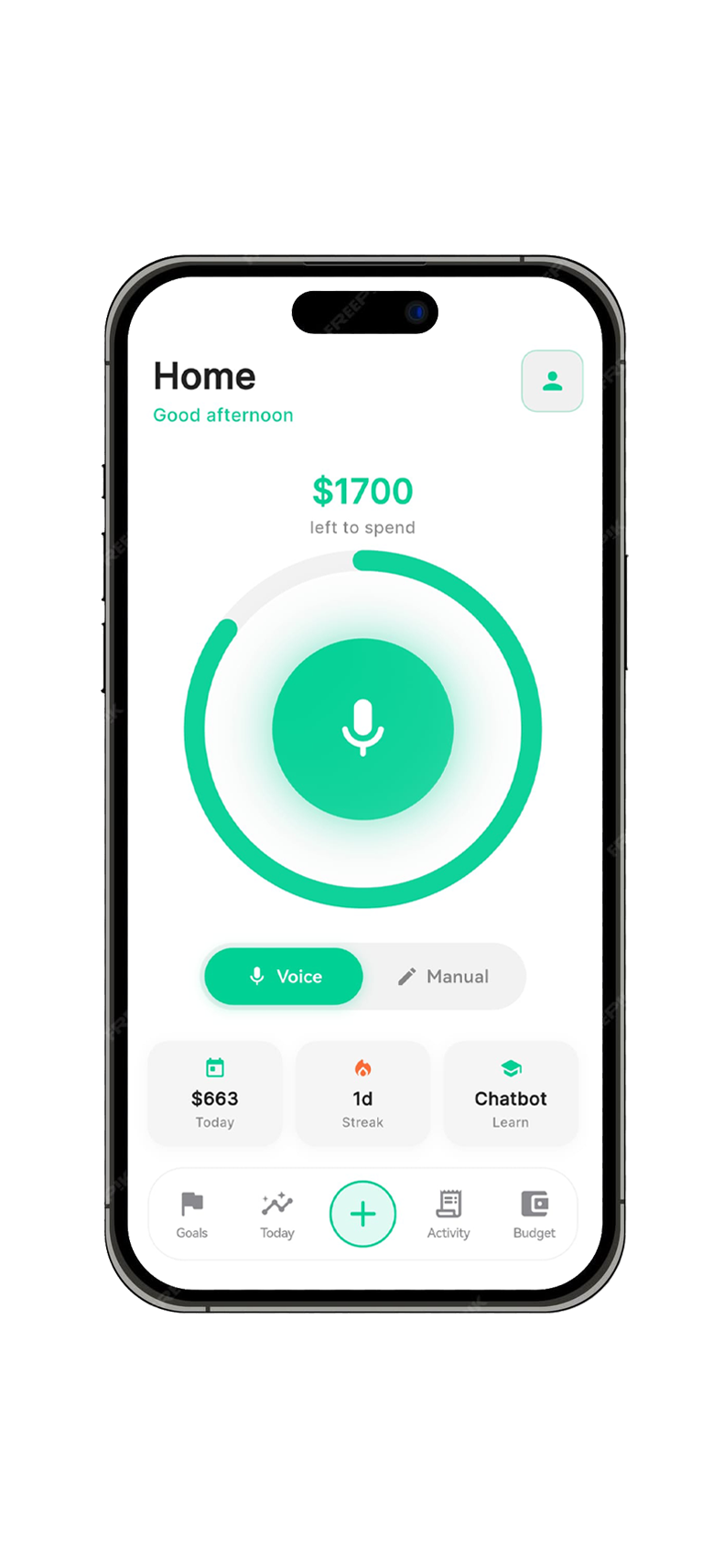
Voice logging
Most people log a transaction in under 4 seconds. Faster than any tap.
Speak a purchase in seconds, see pace against your budget, and get plain-English answers when you’re stuck—without spreadsheets or bank logins.

Built for people who hate spreadsheets but still take money seriously—without handing bank logins to an app.
How it works
No learning curve. No setup headaches. Just download and start.
Get Vocca from the App Store or Google Play. Free to download.
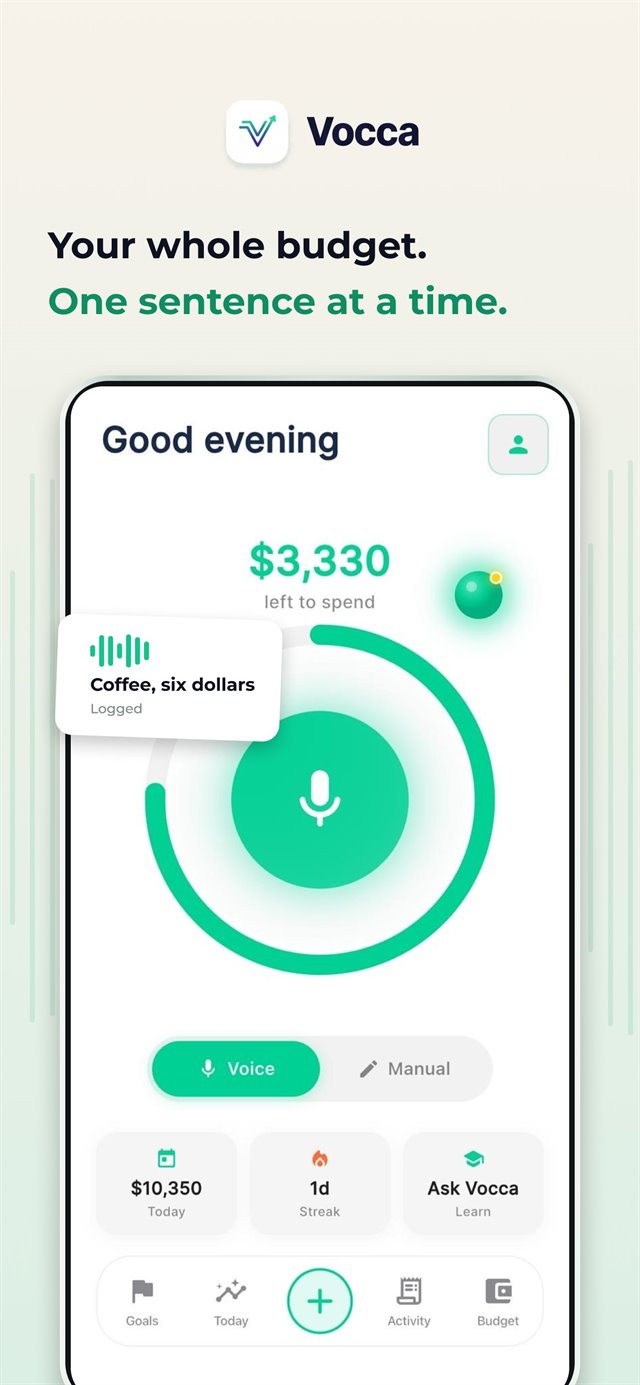
Say your expenses naturally. "Coffee, five dollars." Done in seconds.
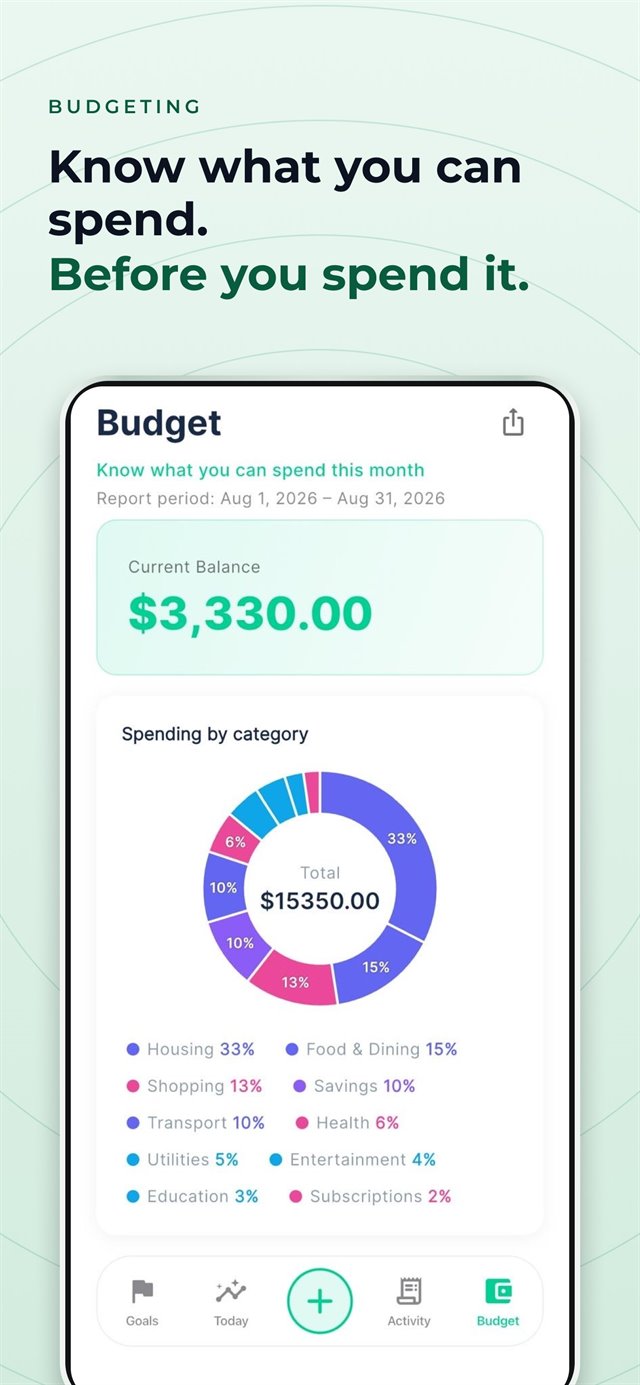
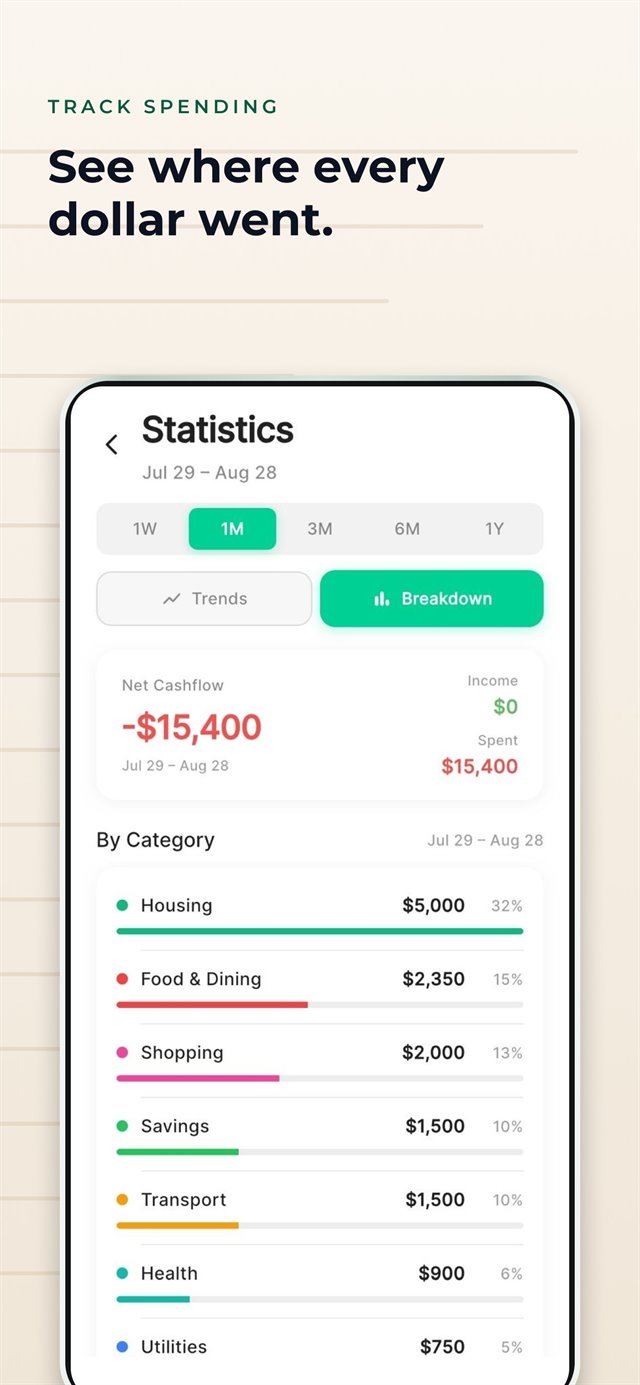
Watch your budget update in real time. See patterns before overspending.
Product
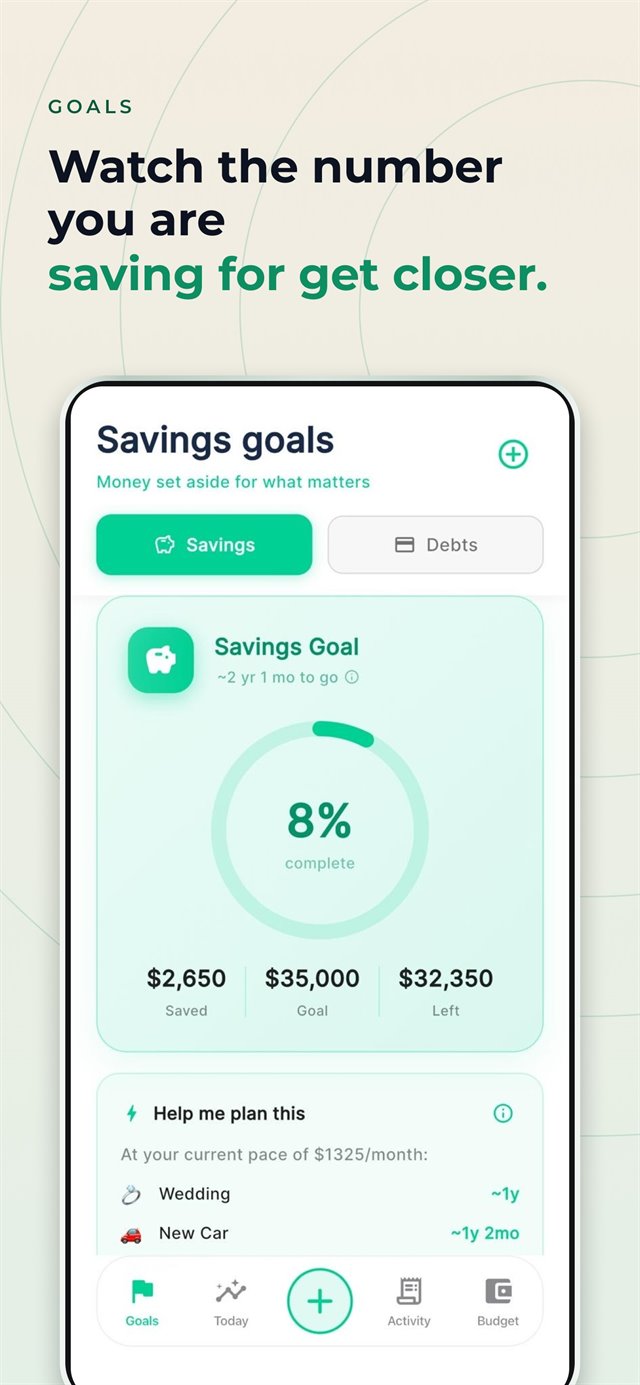
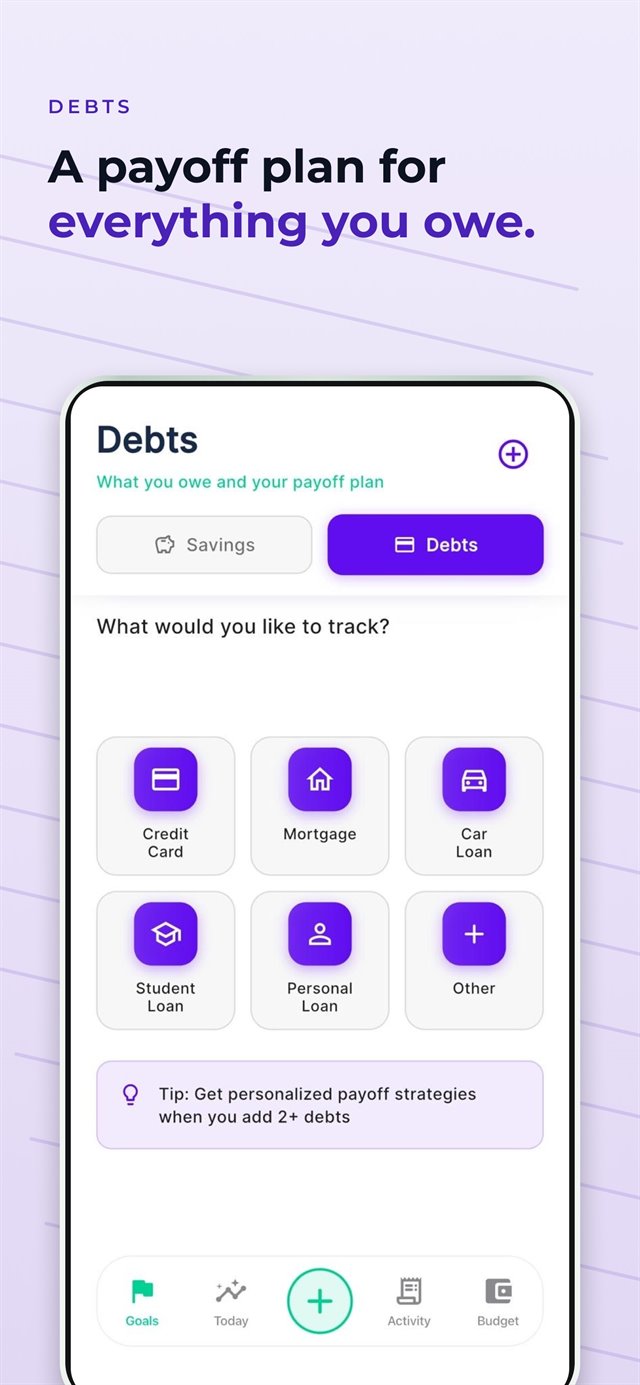
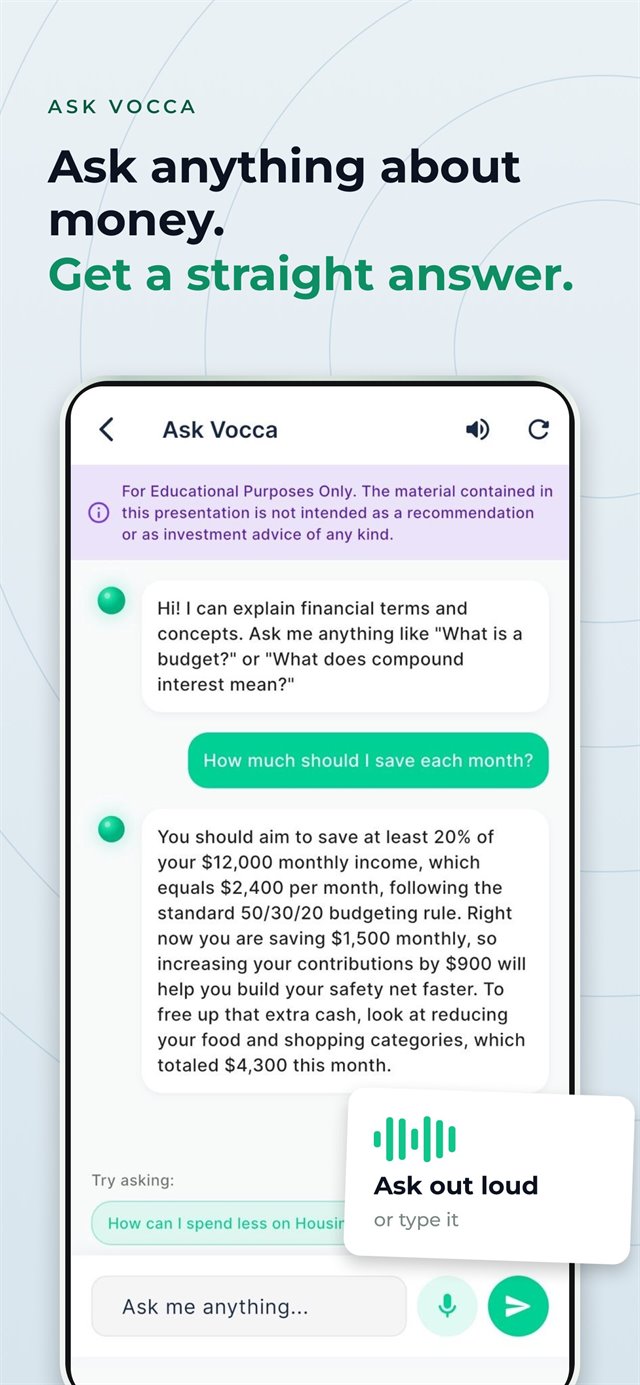
Real product screens—each caption is the outcome you get, not just the screen name.
Why Vocca
Built around how you actually spend—not how apps wish you did.
Most people log a transaction in under 4 seconds. Faster than any tap.
Set targets, watch them update the moment you spend.
Everything on-device. Cloud only when you choose it.
Ask anything—“why did I overspend in March?” or “how do I save $500 faster?” Vocca connects the dots using your totals and the messages you send.
Track progress in real time with visual milestones.
How Vocca compares
The simplest way to know where your money goes.
Subscribe through the App Store or Google Play. They handle billing, renewals, and receipts.
Prices shown are approximate. Final price, billing period, and any trial are confirmed at checkout in the app. Full pricing details.
AI assistant
This is the only place we unpack voice + AI in detail—so you know exactly what you’re turning on.
You say
“Lunch, twelve dollars, Italian place downtown.”
Vocca
Creates the expense, suggests a category, and updates your budget pace—no spreadsheet cells, no bank feed.
Optional AI features use Google Gemini (Google’s generative AI). The exact model name can change over time as we ship improvements; we do not pin a single model version on this page.
From the app, requests are sent to Google through a secure server-side proxy (a Supabase Edge Function) so access stays controlled and credentials stay off the device. Use of content is governed by Google’s Gemini API terms in effect when you use the feature.
What research shows
Findings from marketing, consumer psychology, and health research explain the gap between what we think we spend and what we do—and why friction kills good intentions.
Journal of Marketing ResearchMost people believe they spend less than they do—that blind spot lets overspending drift. Vocca surfaces real spending in seconds so you can correct course before it compounds.
Journal of Consumer ResearchAwareness alone changes behavior. Vocca makes logging fast and natural so tracking actually happens, not just on day one.
American Psychological Association (APA)Money anxiety is one of the most shared stressors there is. Vocca is built for daily clarity—without bank logins or spreadsheet guilt.
Vocca is subscription-based. You subscribe through the Apple App Store or Google Play; they bill you and handle renewals and receipts. Plan price, billing period, and any trial (if available in your region) are shown at checkout in the app and on the store listing before you pay. Referral codes can reduce what you pay when we run a referral program and your code is accepted at checkout. How pricing works.
No. Vocca is designed so you are not asked to hand over bank logins to use the product. You log spending and income the way you choose—voice, quick entry, or manual—and Vocca builds insights from that.
Core data can stay on your device; optional cloud sync uses encryption in transit. Optional AI features use Google Gemini and only send what that feature needs (for example your message plus summary numbers for the assistant). You can avoid AI by using manual flows where the app allows. Read Privacy Policy and the AI & privacy section on this page.
It can help with budget math in plain English, explain terms (APR vs. APY), sanity-check trade-offs, and summarize categories using totals Vocca already knows—without pretending to be a human financial advisor. It won’t move money for you. See Voice & AI details above.
Trial availability depends on your region and current promotions. You’ll see if a trial is available when you reach checkout in the app—before any payment is processed.
Vocca is available on iOS (iPhone and iPad) and Android. Download from the App Store or Google Play.
Stop wondering if you can afford it. Start knowing when you'll have it—with a plan that actually works.